

At times, your API may fail to process a request. This could be due to a bug in your code, a temporary issue with a third-party service, or even network issues. QStash automatically retries messages that fail due to a temporary issue but eventually stops and moves the message to a dead letter queue to be handled manually.
Read more about retries here.
How to Use the Dead Letter Queue#
You can manually republish messages from the dead letter queue in the console.
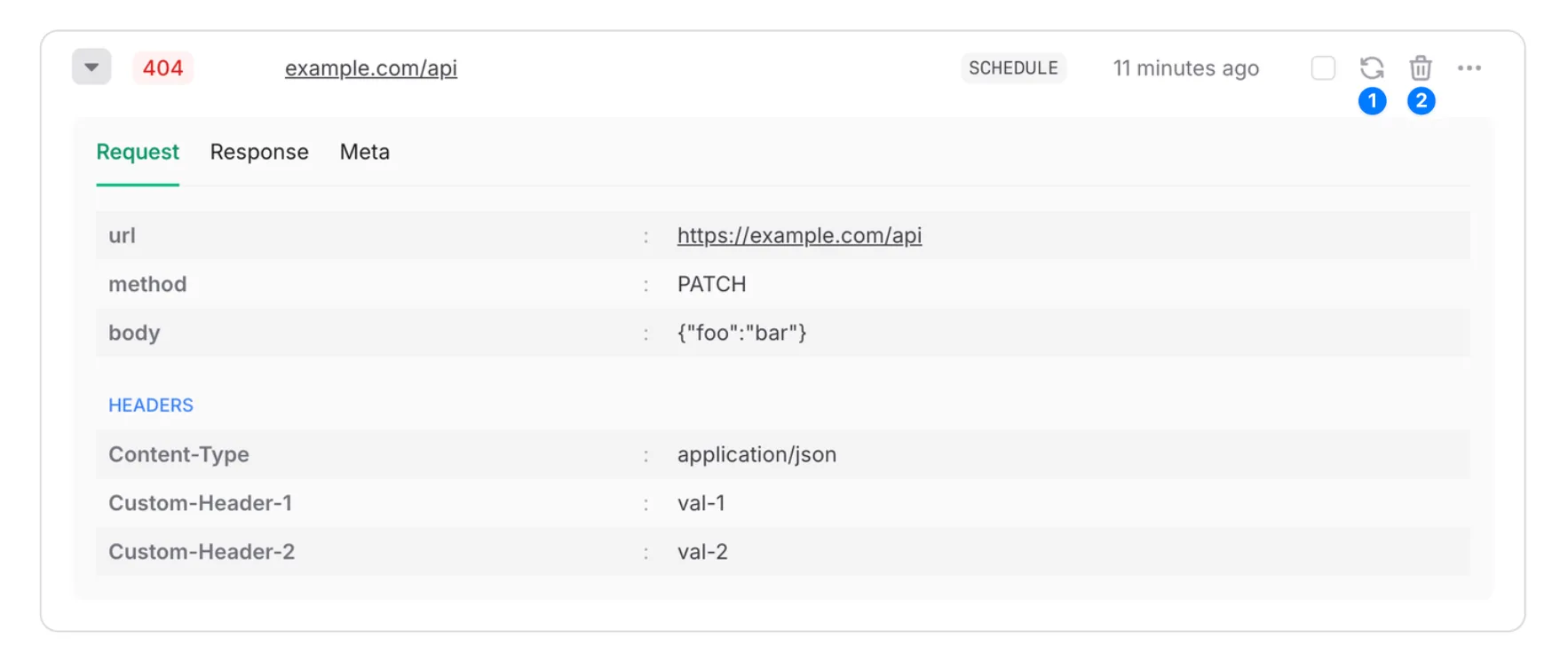
- Retry - Republish the message and remove it from the dead letter queue. Republished messages are just like any other message and will be retried automatically if they fail.
- Delete - Delete the message from the dead letter queue.
Limitations#
Dead letter queues are subject only to a retention period that depends on your plan. Messages are deleted when their retention period expires. See the “Max DLQ Retention” row on the QStash Pricing page.