

Flowise is an open source low-code tool for developers to build customized LLM orchestration flows & AI agents. With Upstash Vector and Upstash Redis, you can extend your Flowise flows to include semantic search, caching, and conversation memory.
Install#
To get started, you can install Flowise locally using npm. Run:
Start Flowise:
Open: http://localhost:3000
You also need to set up Upstash services:
- Create a Vector Index in the Upstash Console. To learn more about index creation, you can check out this page.
- Create a Redis Database in the Upstash Console. To learn more about Redis database creation, you can check out this page.
Nodes Overview#
Flowise supports multiple Upstash integrations. Below are the nodes and their functionalities:
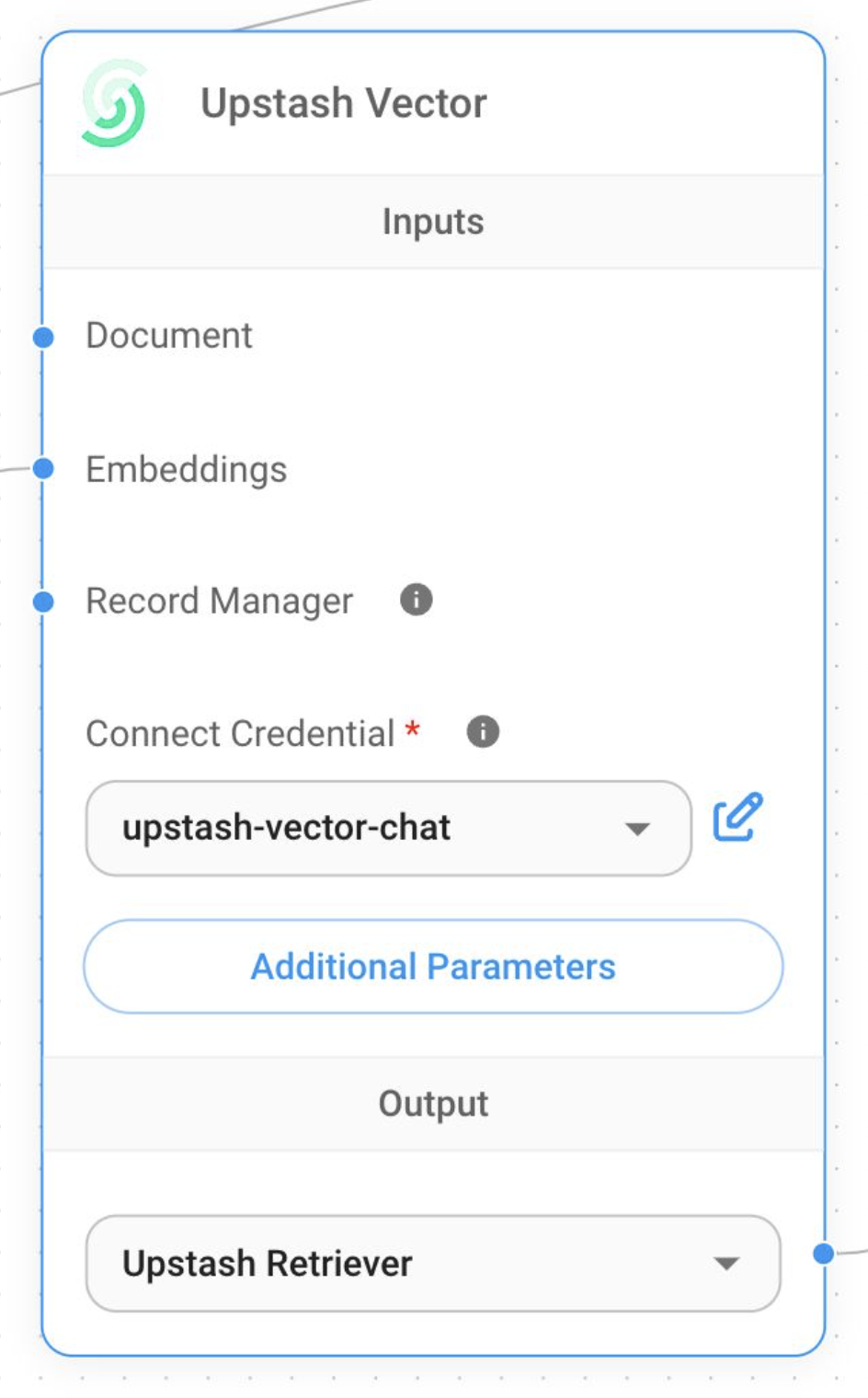
1. Upstash Vector Node#
Use the Upstash Vector node to perform semantic search and store document embeddings. Connect the node to document loaders and embedding components for indexing and querying.
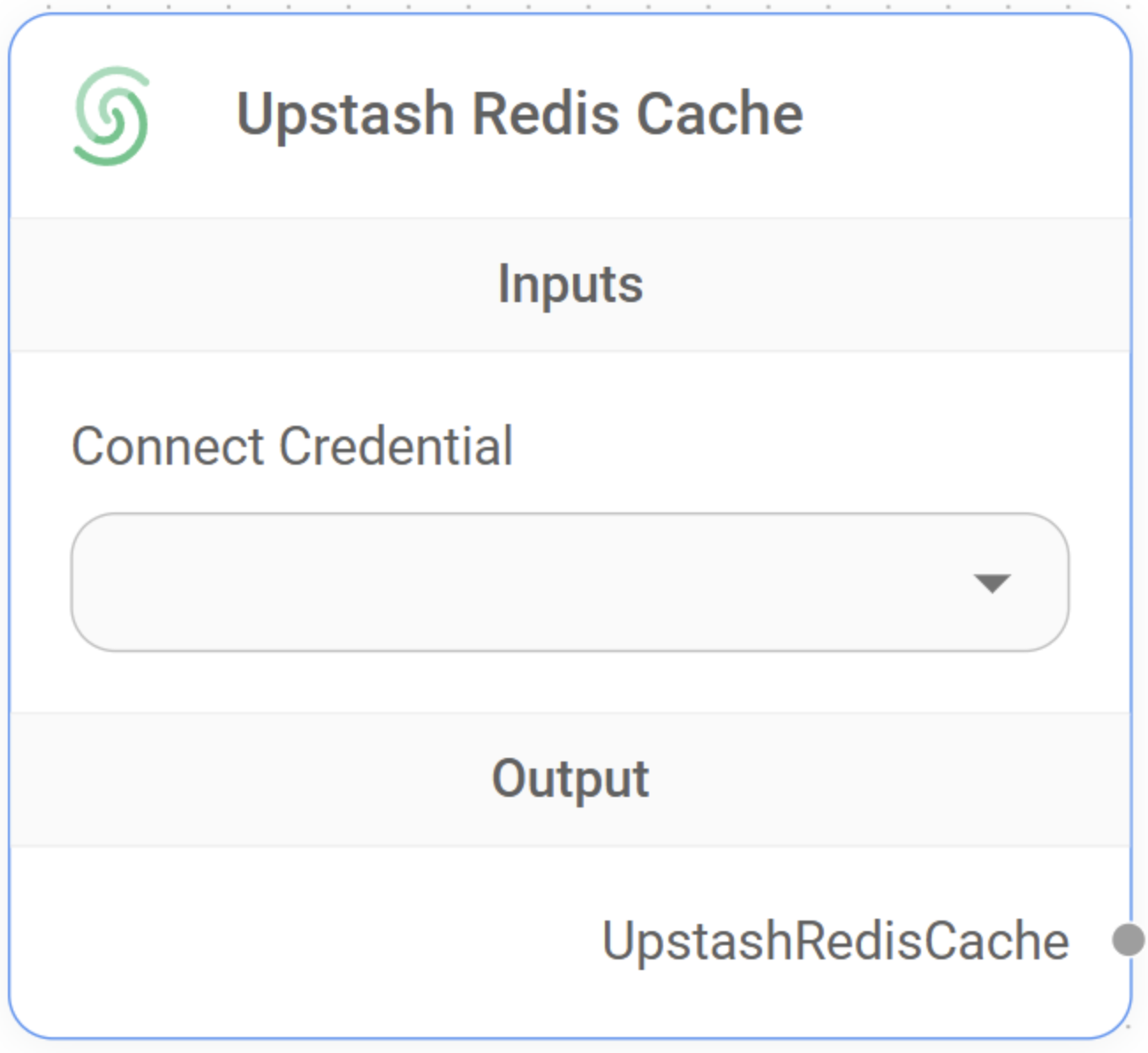
2. Upstash Redis Cache Node#
The Upstash Redis Cache node caches LLM responses in a serverless Redis database.
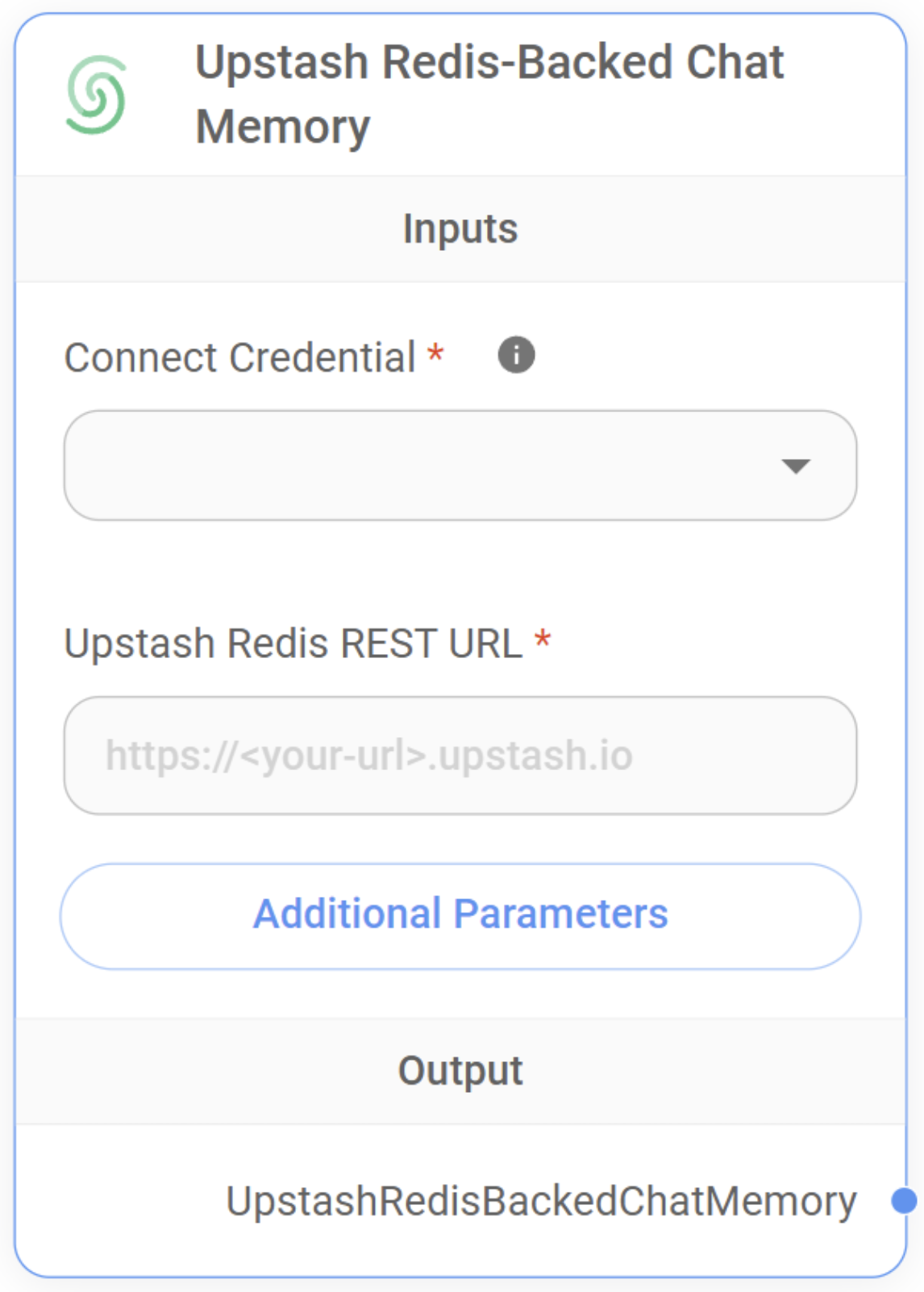
3. Upstash Redis-Backed Chat Memory Node#
The Upstash Redis-Backed Chat Memory node summarizes conversations and stores the memory in Redis. This enables persistent, context-aware interactions across multiple sessions.
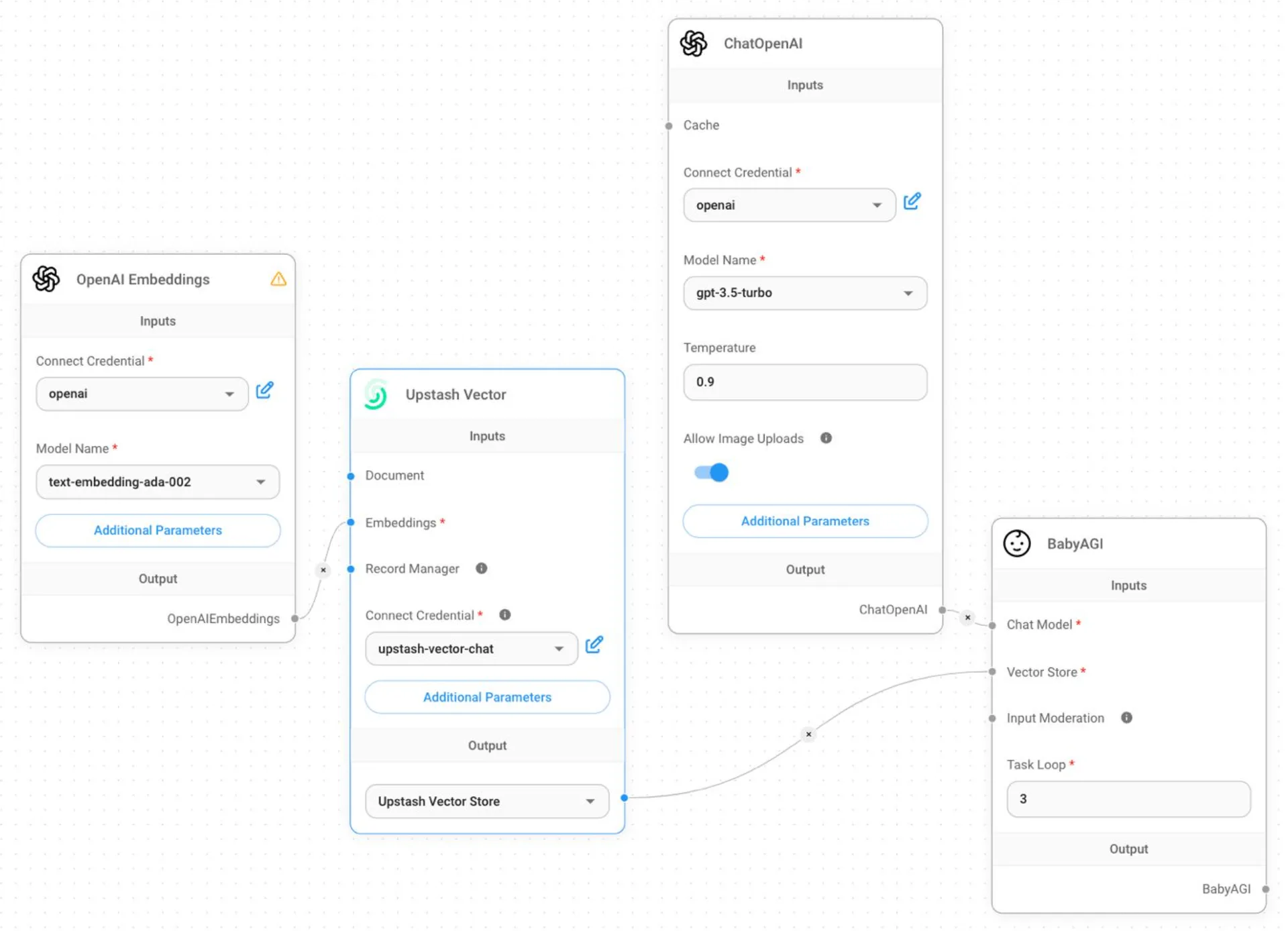
Example Flow#
Below is an example flow using Upstash Vector:
Learn More#
For more details, visit the Flowise documentation.