

Upstash Workflow provides an automatic retry mechanism to improve reliability and make workflows resilient against temporary failures. Workflow automatically handles transient errors such as network issues or service unavailability.
How Retries Work#
When a step fails, Upstash Workflow automatically retries the failed step with configurable retry attempts and delay strategy. This allows temporary issues to resolve without manual intervention.
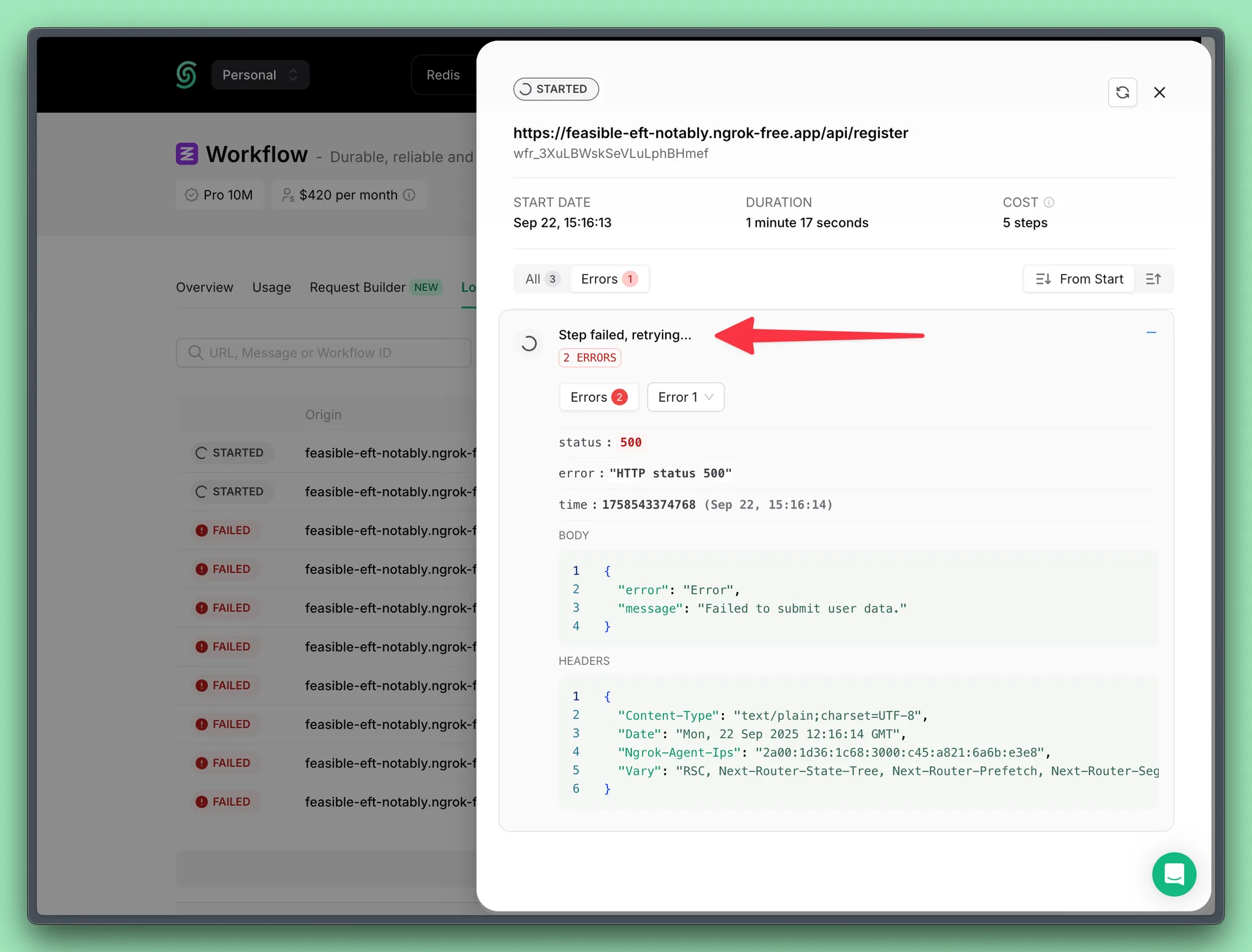
By default, the retry count is set to 3, and an exponential backoff delay strategy is used.
| Retry Attempt | Algorithm | Delay |
|---|---|---|
| 1 | 12s | |
| 2 | 2m28s | |
| 3 | 30m8s | |
| 4+ | 24h |
Configuration#
You can configure retry behavior when starting a new workflow run.
Configure Retry Attempt Count#
You can specify how many times a step should be retried upon failure.
Configure Retry Delay Strategy#
Retry delay is the time to wait before trying again after a failure. You can define a custom retry delay strategy.
The delay is defined as a math expression that is calculated on every retry.
The expression can use the retried variable, which represents how many times the step has already retried (starting from 0).
To apply a constant delay, you can simply provide a fixed value.
The expression must return the delay in milliseconds.